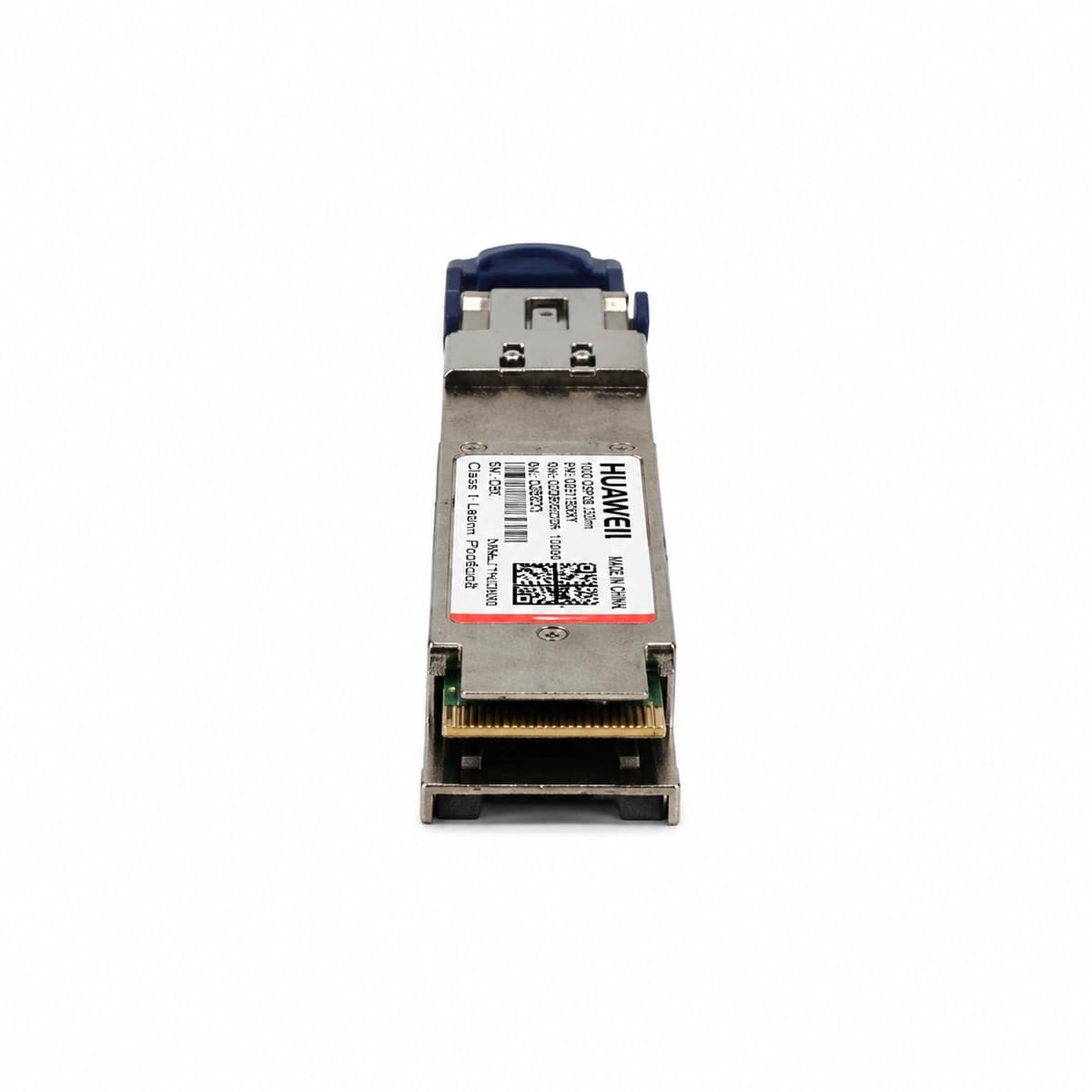
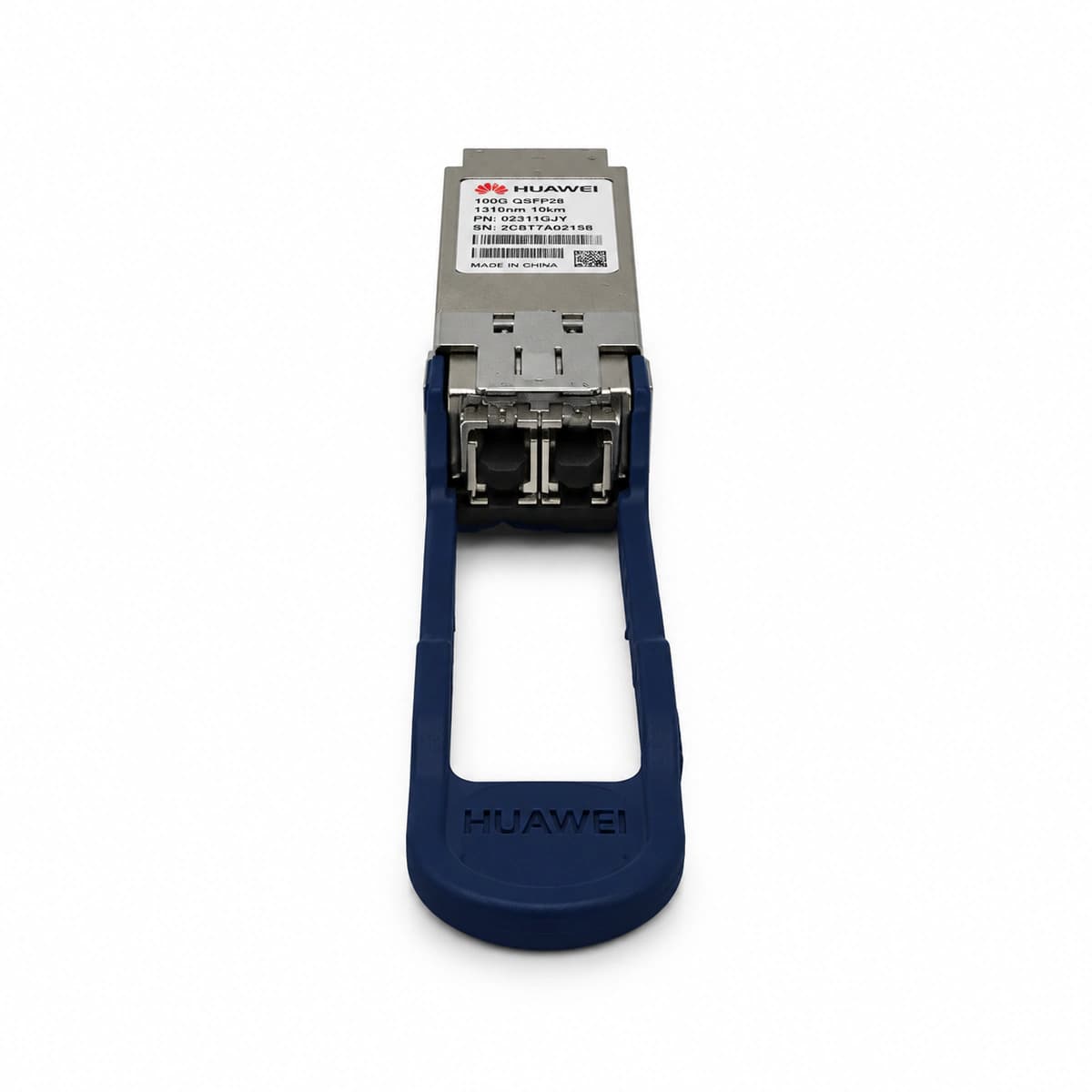
RX_LOS (Optical RX Loss of Signal)
Port LINK/ACT LED Off, Faceplate ALM LED solid Red
Fiber link disconnected, remote transmitter failure, dirty or damaged LC connector, or optical RX power lower than sensitivity threshold (-10.6 dBm/lane)
1. Execute 'display optical-module brief' to check 4-channel RX optical power.
2. Use an optical power meter to verify incoming power is within -4.3 dBm to -10.6 dBm.
3. Clean the LC fiber end-faces and optical port with a specialized cleaner, then reseat the fiber.
TX_FAULT_BIAS_HIGH (Laser Bias Current High)
Port LINK/ACT LED slow blinking Amber (0.5Hz) or solid Amber
Aging of the QSFP28 LAN-WDM/CWDM DFB laser, internal driver IC failure, or laser end-of-life condition
1. Run 'display optical-module [interface] verbose' to read the actual Tx Bias Current values.
2. Verify if the bias current exceeds the high alarm threshold (typically >100mA).
3. If current remains above threshold and TX power degrades, hot-swap the QSFP28 transceiver during maintenance window.
MODULE_TEMP_HIGH (Optical Module Over-Temperature)
Main controller ALM LED solid Amber, Port LED remains Green
Chassis air filter clogged, equipment room HVAC failure, or switch fan failure causing insufficient heat dissipation (case temperature >75°C)
1. Run 'display optical-module verbose' to check current real-time DDM temperature.
2. Check switch fan status ('display fan') and verify data center ambient temperature is below 35°C.
3. Clean the chassis dust filters and optimize rack airflow containment to prevent irreversible laser damage.
CRC_ERR_ALM (Port CRC Error Threshold Exceeded)
Port LINK/ACT LED flashing Green rapidly with packet loss
Macro/micro-bending losses in patch cord, contaminated LC end-faces, chromatic dispersion causing eye closure, or internal CDR lock loss
1. Run 'display interface [interface]' to inspect InErrors and CRC error increment rate.
2. Inspect fiber patch cord routing; verify single-mode bend radius is strictly >30mm.
3. Test the optical link using OTDR/power meter to isolate high-loss fusion splices or replace patch cords.
OPT_TX_PWR_LOW (Optical TX Power Low)
Port LINK/ACT LED solid Green, NMS reports Yellow Warning
Internal transmitter optical path attenuation, damaged fiber launch facet, or driver voltage drop (Tx Power below -4.3 dBm/lane low threshold)
1. Run 'display optical-module verbose' to inspect the Tx Power on each of the 4 lanes.
2. Connect a calibrated optical power meter directly to the QSFP28 TX port to verify DDM calibration accuracy.
3. If measured transmit power is genuinely below -4.3 dBm/lane, replace the transceiver before service outage occurs.