Huawei / Remote Radio Units (RRU)

RRU3230E Equipment information & support

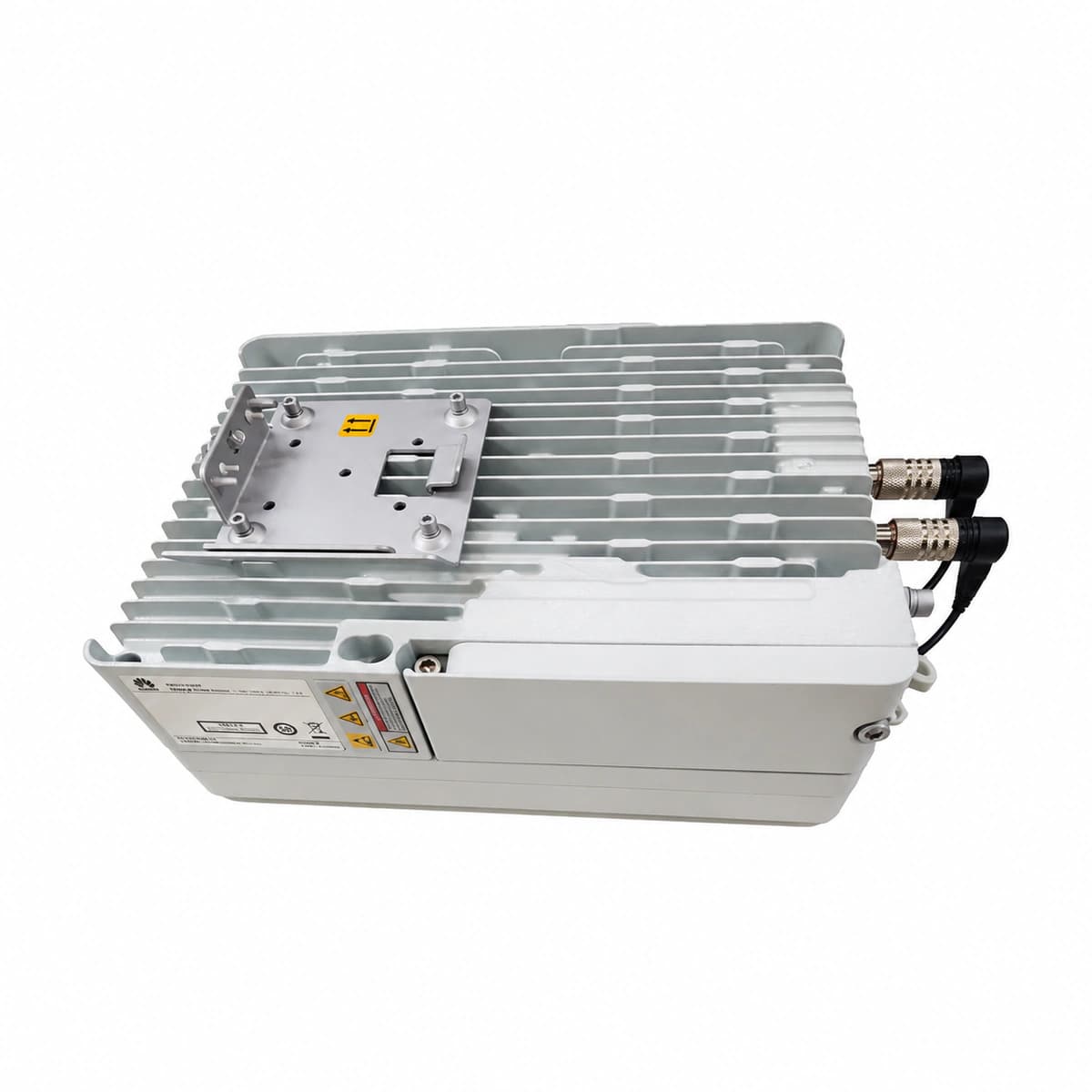
The RRU3230E is a high-performance multi-carrier radio remote unit launched by Huawei, engineered specifically for TD-LTE network deep coverage and high-capacity wireless communication scenarios.

Equipment information

Brand
Huawei
Equipment model
RRU3230E
Equipment type
Remote Radio Units (RRU)
Controller / software version
Confirm against the installed equipment
View full product specifications
Huawei RRU3230E Multi-Carrier Radio Remote Unit (TD-LTE 2T2R High Linear RF Output IP65) - Official Front View

Information below comes from the current product catalogue. Confirm the controller, software version and configuration of the installed equipment separately.

Channel Configuration
Dual-Channel 2T2R
Protection Level
IP65 All-Weather Protection
Power Input
48V DC Power Supply
Cooling System
Natural Cooling / Intelligent Thermal Control
Supported Standard
380V 3-Phase / 220V 1-Phase Compatible
Non-Volatile Log Capacity
10,000+ Cyclic Event Records

Alarms & troubleshooting

OPT_LOS / RX_PWR_LOW (Loss of Optical Signal / Low RX Optical Power)
Optical module/board red LOS LED flashing or solid ON; NMS link state down.
Fiber cable rupture, contaminated fiber connector end-face, excessive optical splitter attenuation, or remote laser failure.
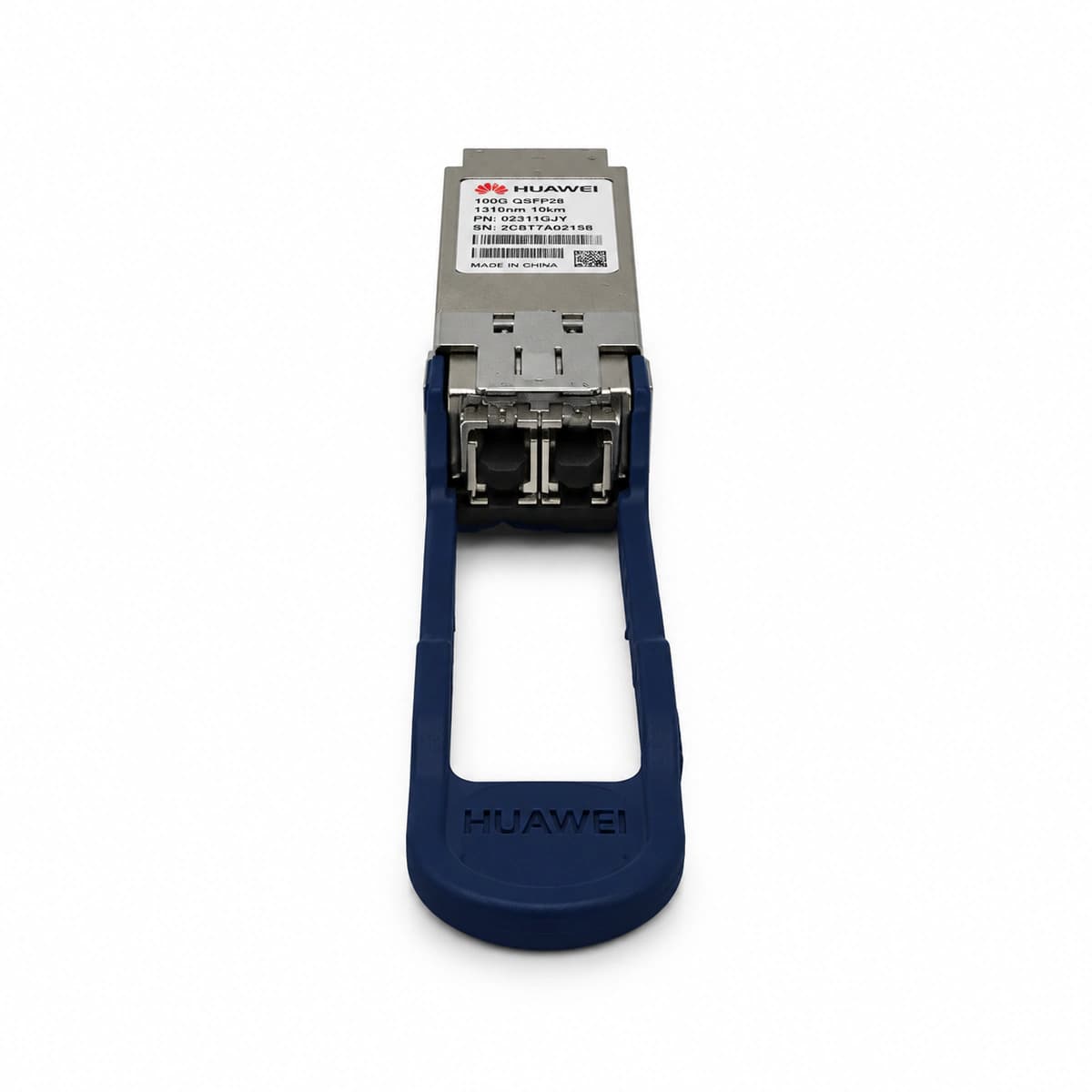
1. Measure incoming optical power with optical power meter (must be > -27dBm); 2. Clean LC/SC connector end-face and transceiver optical bore with fiber cleaner pen; 3. Locate fiber break using OTDR test; 4. Verify remote port TX laser operational status and wavelength matching; 5. If optical power is normal but LOS persists, replace module.

Access Complete Maintenance & Full Alarm Troubleshooting Manual

This page lists high-frequency critical alarm codes commonly encountered in field maintenance. Comprehensive manufacturer troubleshooting matrices, board-level repair guides, detailed electrical schematics, and firmware commissioning manuals are delivered alongside equipment upon formal project procurement, accompanied by dedicated FAE technical support.

Share on-site information

  1. 01

    Identify the exact model

    Record the nameplate, system model and controller or module model.

  2. 02

    Keep the alarm details

    Record the full alarm text, indicator colour, timing and whether it persists.

  3. 03

    Describe recent changes

    Note recent replacements, software updates or configuration changes.

Record information visible in the existing interface. Electrical measurements, disassembly and replacement should follow the applicable manufacturer's manual and be performed by qualified personnel.

Your model and these details will be added to the enquiry form for you to review before sending.

Related technical articles

View all articles

Need a replacement module or supporting equipment?

Confirm the full model, system configuration and compatibility requirements before enquiring about suitable products.

Ask about suitable products

Have a model and an on-site issue?

Share the exact model, alarm text and observed symptoms to help identify relevant information and compatibility requirements.

Request technical support